
Electronics
Arduino Starter Kits: A Practical Way to Learn Electronics, Sensors and RFID
A practical beginner path from Arduino basics to sensors, displays, RFID and the first steps toward ESP32 and IoT systems.
Learn electronics by building
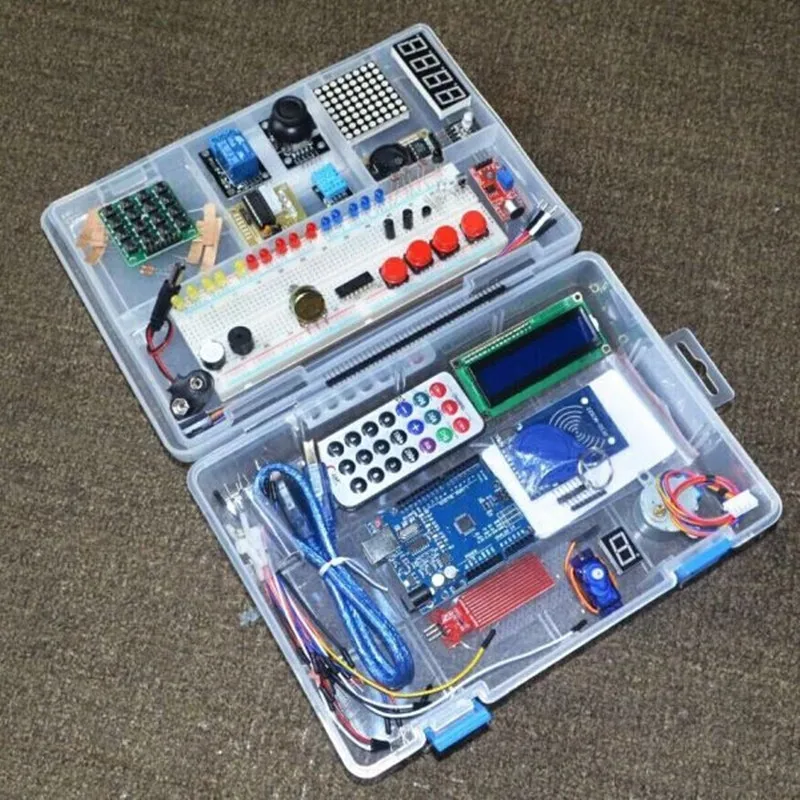
Learning electronics becomes easier when theory is connected immediately to a breadboard. An Arduino-compatible starter kit can provide a compact set of components for experimenting with sensors, displays, LEDs, buttons, RFID and basic embedded programming.
The useful mental model is simple: input → microcontroller → program logic → output. That same pattern later appears in larger embedded and IoT systems.
Affiliate disclosure: some links in this article are paid affiliate links. If you purchase through them, ITHutir may earn a commission at no additional cost to you.
- Start with one component and one measurable result.
- Verify voltage, pinout and interface before wiring.
- Move from simple GPIO exercises to sensors and identification systems.
RFID learning kit for Arduino UNO R3
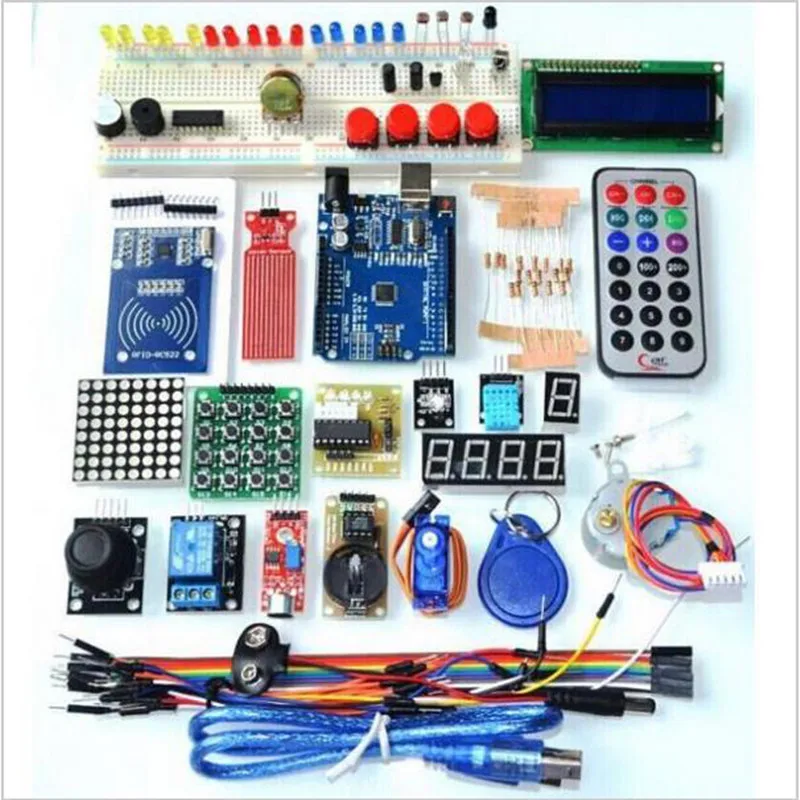
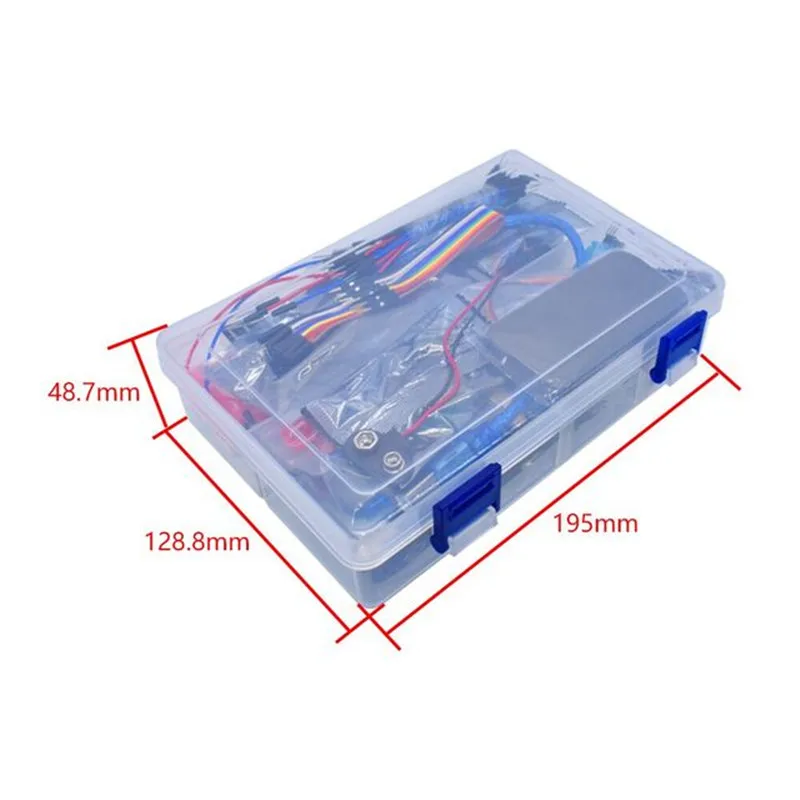
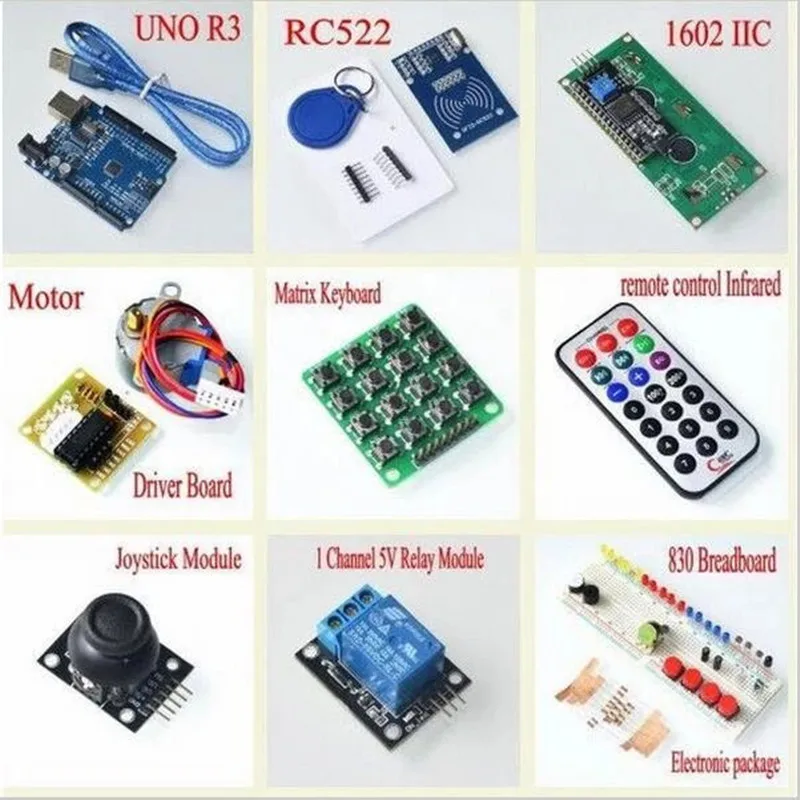
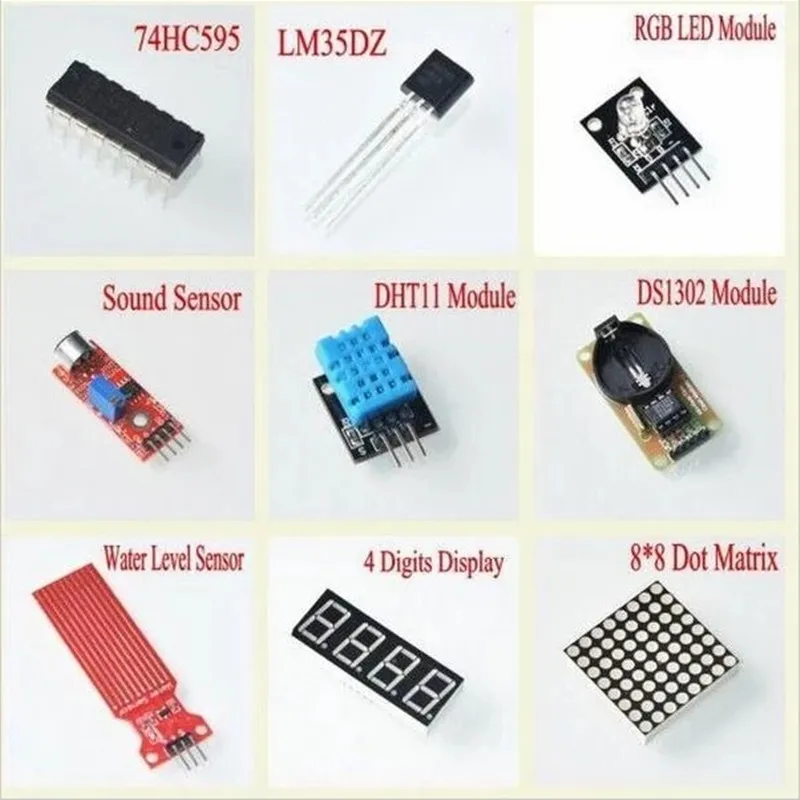
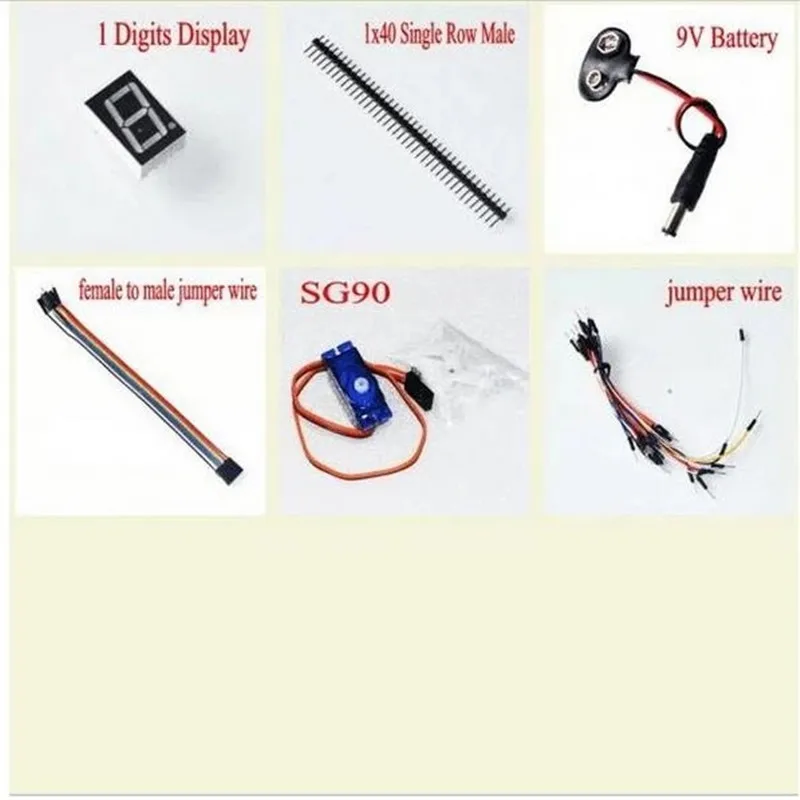
The first selected listing is an RFID starter kit for Arduino UNO R3. The supplied product images show an UNO R3 board, an RC522 RFID module, a display interface, input modules, relay and motor-control hardware, jumper wires and other learning components.
Package variants can change on AliExpress, so verify the current listing before ordering instead of assuming that every photographed module is included in every variant.
A second kit option
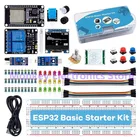
We also selected a second electronics learning kit as an alternative. Because the exact product title and package contents were not independently confirmed from the supplied material, we do not assign specifications that we cannot verify.
Use the current AliExpress listing to confirm the board, modules and package variant before buying.
What should a beginner build first?
Do not try to use every module immediately. Learn one concept at a time and keep the signal path visible.
- Project 1 — Blink an LED: learn GPIO output, HIGH/LOW states and basic program structure.
- Project 2 — Read a button: learn digital input and the input → decision → output loop.
- Project 3 — Measure temperature: collect sensor data and inspect it in the serial monitor or on a display.
- Project 4 — Temperature and humidity monitor: combine sensing, processing and a display.
- Project 5 — RFID access system: read a card or tag, decide whether it is authorized and drive an LED, buzzer or relay.
Sensor / RFID tag
        ↓
Microcontroller
        ↓
Program logic
        ↓
Display / LED / Relay / Buzzer
From Arduino to IoT
Arduino experiments are useful because they make the architecture visible. Once you understand sensors, GPIO, interfaces and control logic, the same concepts can be transferred to an ESP32-based connected system.
The next layer adds networking and system integration rather than replacing the fundamentals.
- Use an Arduino-compatible UNO-class board when the goal is a simple first microcontroller workflow.
- Move to ESP32 when the project requires Wi-Fi, Bluetooth, MQTT, web interfaces or other connected-device functions.
- Always check the exact board pinout, voltage levels and peripheral support before wiring.
Sensor
  ↓
ESP32
  ↓
Edge processing
  ↓
Wi-Fi
  ↓
MQTT
  ↓
Home Assistant / server / cloud
ITHutir practical learning rule
For every new component, answer four questions: What does it do? What signal does it produce or require? How does the microcontroller communicate with it? Where could it be useful in a real product?
That turns a box of modules into reusable engineering knowledge. Have Fun and Learn.